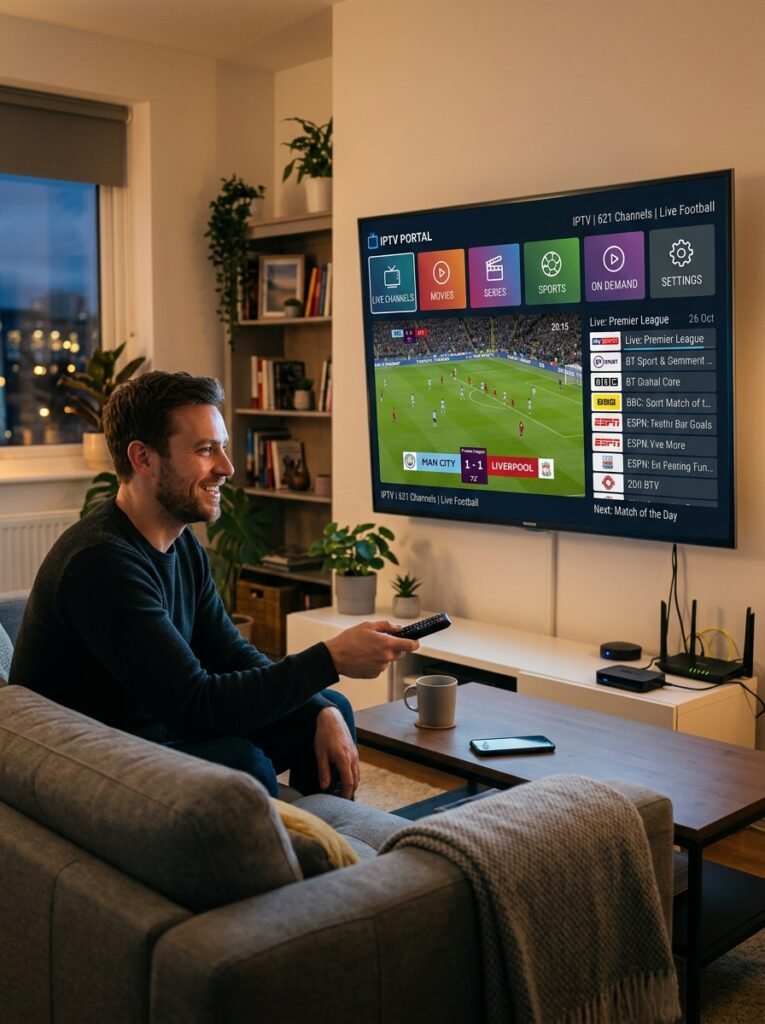
IPTV for NVIDIA Shield: Get the Most From Your Shield TV
NVIDIA Shield is one of the best boxes you can use for IPTV. It runs Android TV with Google Play, has gigabit Ethernet built in, and handles large channel lists and TV guides with ease. NovaStar IPTV matches you with a third-party provider plan, recommends a player app for your Shield, and helps you tune the settings that keep live TV smooth. Matching and setup help are free; you pay only the provider’s listed price, from $12.99 a month.
Which Shield do you have?
Every Shield runs Android TV, so all of them handle IPTV well. We'll match the player app and settings to yours, free.
$12.99
Plans from, per device
$0
NovaStar fee on top
5–10 Min
Activation after payment
No
Automatic renewal
IPTV for NVIDIA Shield: Plans and Prices
These are our verified third-party provider's listed prices. NovaStar IPTV adds no commission or markup, and the Shield setup help is free. Pick your Shield and how many TVs you watch on, and the prices update below.
1 Month
Test the service on your own Shield and network.
3 Months
Set it up once and watch through a whole season.
6 Months
About $10 a month per device, and you only order twice a year.
12 Months
Pay once and forget about renewals for a year.
Prices are in USD and paid once per term. Each plan covers one device; for more devices, multiply by the number of devices. Savings compare a longer plan with paying $12.99 every month at today's price. They aren't sale discounts. Before you pay, we confirm the plan, the number of devices, whether they can watch at the same time, and how to pay.
Activation usually takes 5–10 minutes after payment is verified and we have your setup details, subject to provider availability.
We send one reminder 1–2 days before your plan ends. Say no, and we stop following up.
If the plan can't be activated, your payment is refunded in full.
Test It on Your Shield First
Ask for a free 24-hour trial issued by the provider, subject to availability. No card needed, and it doesn't turn into a paid plan.
Need 2 months or more than 5 devices? Ask for a custom plan. You can also read how ordering works, see family plans for several TVs, or check our terms.
Shield or Something Else?
Is NVIDIA Shield Worth It for IPTV?
Shield is the most powerful Android TV box most people can buy, and for IPTV that shows up as fast channel switching, smooth TV guides and a rock-steady wired connection. It also costs more than a streaming stick, though. So here’s an honest comparison to help you decide whether it’s worth it for the way you watch.
NVIDIA Shield vs Other Streaming Devices for IPTV
How Shield compares with the other devices people choose for IPTV.
| Device | System | Player app choice | Wired connection | Best for |
|---|---|---|---|---|
| NVIDIA Shield TV Pro | Android TV | Widest | Gigabit Ethernet built in | Big channel lists, 4K HDR, a home media setup |
| Google TV Streamer | Google TV | Wide | Ethernet built in | A newer, simpler Android-based box |
| Fire TV Stick 4K Max | Fire OS | Wide | Adapter needed | IPTV on a budget |
| Apple TV 4K | tvOS | App Store only | Ethernet on the 128 GB model | Homes already using iPhone and iPad |
| Smart TV apps | Varies by brand | Limited | Most TVs have a port | Skipping an extra box |
| Roku | Roku OS | Very limited | Some models | Not ideal for IPTV |
Bottom line: Shield is the most capable box for IPTV, but a Fire TV Stick 4K Max covers most homes for far less. Tell us how you watch, and we'll say honestly which one makes sense.
Get Shield if you watch a lot of live sports or 4K, use large channel lists with a full TV guide, or want one box that also runs a home media server.
Save money with a stick if you mainly watch news and shows in HD on one TV. In that case, see our guide to IPTV for Firestick or set it up on your smart TV instead.

Quick Answer
Does IPTV Work on NVIDIA Shield? Shield TV vs Shield TV Pro
Yes, and very well. Every NVIDIA Shield runs Android TV with Google Play, so you can install almost any IPTV player and add the login your provider sends. All models share gigabit Ethernet and the same remote, so the real differences come down to memory, storage and ports:
- Shield TV Pro (2019): 3 GB of RAM, 16 GB of storage and two USB ports. It’s the better pick for very large channel lists, recordings to a USB drive, or running a home media server alongside IPTV.
- Shield TV (2019 tube): 2 GB of RAM, 8 GB of storage and a microSD slot. It’s more than enough for one player app, as long as you keep storage tidy.
- Shield TV 2015 and 2017: older, but still very capable, and NVIDIA continues to release software updates for them.
Both 2019 models also include NVIDIA’s AI upscaling, which sharpens HD video on a 4K TV. However, it has a limit that most guides don’t mention, which we explain in the settings section below.
To check which one you have, open Settings › Device Preferences › About, or simply send us a photo on WhatsApp.
NVIDIA Shield Models Compared for IPTV
Every Shield runs Android TV with Google Play, gigabit Ethernet and the same remote. Here's what actually differs.
| Model | RAM / storage | Expansion | Ethernet | For IPTV |
|---|---|---|---|---|
| Shield TV Pro (2019) | 3 GB / 16 GB | Two USB 3.0 ports | Gigabit | Best choice, handles the largest guides |
| Shield TV (2019 tube) | 2 GB / 8 GB | microSD slot | Gigabit | Excellent, keep storage tidy |
| Shield TV (2015 and 2017) | 3 GB / 16 GB or more | USB ports | Gigabit | Still very capable |
AI upscaling is available on the 2019 models. NVIDIA still releases Shield Experience updates, including version 9.2.4 in February 2026.
Get the Best Picture
NVIDIA Shield Settings That Make IPTV Smoother
Shield is powerful out of the box, but four settings make a noticeable difference for live TV. They take about five minutes, and we walk you through them for free:
Turn On Match Content Frame Rate
Live channels run at different frame rates, and when the Shield doesn’t match them, motion looks jerky, especially in sports. So turn on Match content frame rate in the display settings, and enable the matching option inside your player app if it has one.
Know When AI Upscaling Helps
NVIDIA’s AI-enhanced upscaling works on 720p and 1080p video at up to 30 frames per second. In practice, that means it sharpens movies and many on-demand shows, while 60 fps live sports use the standard upscaler instead. Set it to Enhanced for a natural look.
Use the Gigabit Ethernet Port
Unlike most streaming sticks, every Shield has gigabit Ethernet built in. A cable to your router is the single best fix for buffering, because live TV needs a steady connection more than a fast one.
Keep Storage and Cache Tidy
The Shield TV tube has 8 GB of storage, shared with system updates. Keep one player app, clear its cache now and then, and on the Pro, add a USB drive if you record shows.
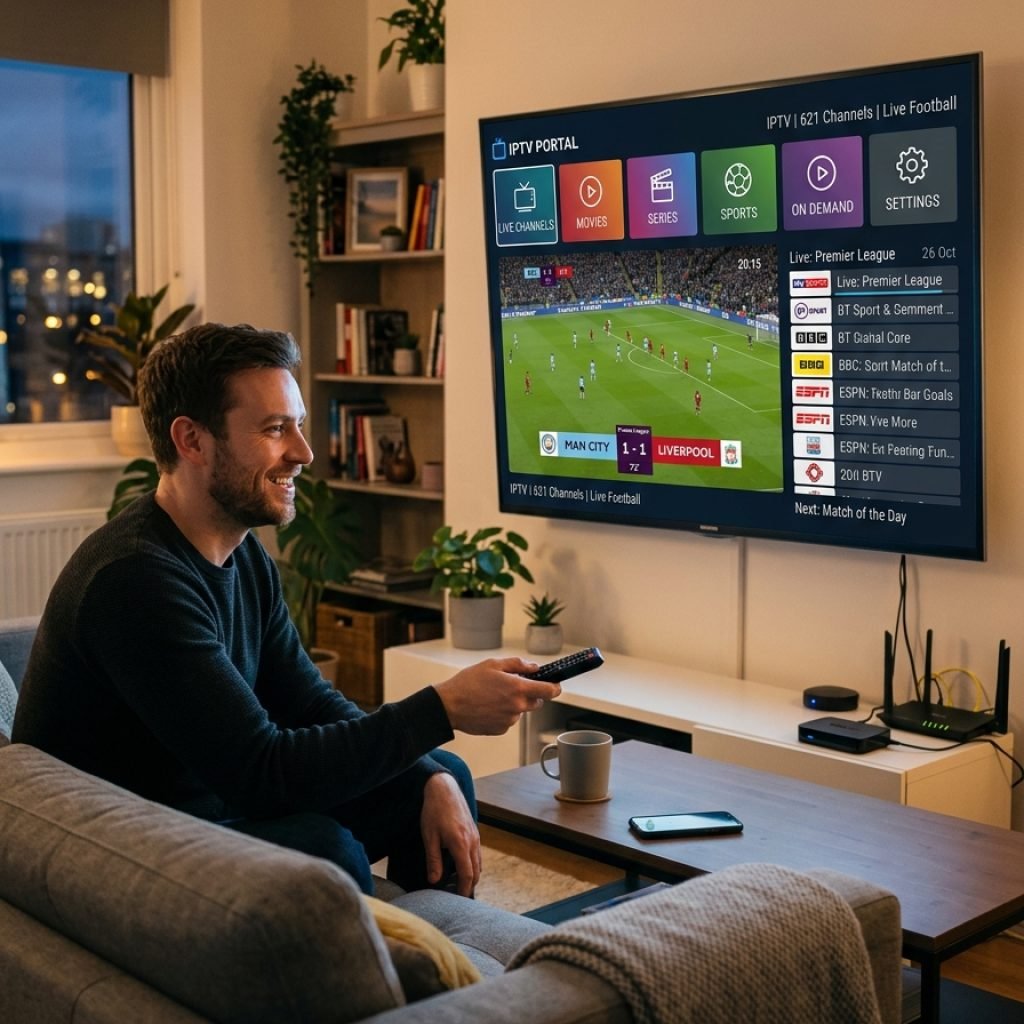
Setup Overview
How to Install an IPTV Player on NVIDIA Shield
Open Google Play
Search for the player app we recommend for your provider. Most good IPTV players are on Google Play for Android TV.
Or Allow One Trusted App
If your provider’s player isn’t on Google Play, allow a single trusted installer under Settings › Device Preferences › Security & restrictions › Unknown sources.
Add Your Provider Login
Enter the M3U link or Xtream Codes details your provider sends, then load the TV guide. We help you type them in correctly.
Tune and Watch
Plug in Ethernet, turn on frame rate matching, and save your favorite channels.
How It Works
How NovaStar IPTV Sets Up IPTV on Your Shield in 3 Steps
NovaStar IPTV is a free matching and setup service, while a verified third-party provider supplies the subscription. You pay the provider’s listed price with no commission, markup or automatic renewal, and if your plan can’t be activated, you get a full refund.
Step 01
Tell Us Your Shield
Send your model, whether it’s on Ethernet or Wi-Fi, and how many TVs you watch on.
Step 02
Confirm Your Plan
We confirm the plan, devices and how to pay, in writing. You can also ask for a free 24-hour trial first
Step 03
Activate and Tune
Activation usually takes 5–10 minutes after payment is verified. Then we install the player with you and set up frame rate matching and the TV guide, staying with you until the first channel plays.
Your Shield Is Ready. Your IPTV Plan Is One Message Away.
Plans start at $12.99 per device. Tell us your Shield model, pay the provider’s listed price, and get activated, usually 5–10 minutes after your payment is verified.
Get Matched
Get IPTV on Your NVIDIA Shield Today
Fill in the form and send it on WhatsApp or by email. We’ll recommend a player app that matches your provider, set up your Shield’s settings for live TV, and stay with you until your channels load. Matching and setup help are free, and you can contact us 24/7.
- Player app and settings matched to your Shield
- Provider plans from $12.99, no markup
- Free 24-hour trial, subject to availability
- No automatic renewal
Get Your Free Shield Setup Check
Choose your details and send the message. It takes about 20 seconds.
Nothing is stored on this page. Your message opens in WhatsApp or your email app, so you can edit it before sending.
FAQ
IPTV for NVIDIA Shield: Common Questions
Short answers about Shield models, apps, settings and plans.
Yes. NVIDIA Shield is one of the strongest Android TV boxes for IPTV. It has a fast Tegra X1+ processor, gigabit Ethernet, Google Play and AI upscaling, so large channel lists and TV guides load quickly and live TV stays steady on a wired connection.
The best app is the one that supports your provider’s login type, whether that’s an M3U playlist or Xtream Codes, along with a TV guide. Shield runs almost any Android TV player from Google Play, so we recommend one that matches your provider and help you set it up.
Yes. Shield runs Android TV, so you can allow a specific app to install other apps under Install unknown apps in the security settings. Only install apps from sources you trust, and use Google Play first whenever the app is available there.
Both work very well. The Shield TV Pro has 3 GB of RAM, 16 GB of storage and two USB ports, so it’s better for very large channel lists, recordings or a home media server. The standard Shield TV has 2 GB of RAM and 8 GB of storage, which is enough for one player app.
Yes, on the 2019 Shield models. NVIDIA’s AI-enhanced upscaling works on 720p and 1080p video at up to 30 frames per second, so it helps movies and many on-demand shows. Live channels at 60 frames per second, such as many sports broadcasts, use the standard upscaler instead.
Yes. NVIDIA released Shield Experience 9.2.4 in February 2026 and has said software support for Shield TV is continuing, so current player apps still run well.
The most common causes are Wi-Fi instead of Ethernet, a frame rate mismatch between the channel and the TV, or a full app cache. Plug in Ethernet, turn on Match content frame rate in the display settings, and clear the player’s cache. Our Home Network Health Check and AI IPTV Troubleshooter can help find the cause.
It depends on stream quality and how many screens watch at the same time. Our free Internet Speed Requirement Calculator gives a number for your setup. Because Shield has gigabit Ethernet, a wired connection is the easiest way to keep live TV steady.
Our provider’s listed prices for one device are $12.99 for 1 month, $34.99 for 3 months, $59.99 for 6 months and $89.99 for 12 months, in USD. For more devices, multiply by the number of devices. NovaStar IPTV adds no fee on top.
Yes. We can arrange a free 24-hour trial issued by the provider, subject to availability. You don’t need a card, and it doesn’t turn into a paid plan.
Each device on your plan counts as one. Tell us which devices you’ll use, for example a Shield in the living room and a Firestick in the bedroom, and whether they’ll play at the same time, and we’ll confirm what your plan covers before you pay.
NovaStar IPTV is a free IPTV provider matching and setup service for US customers, and its official website is novastariptv.us. We match you with a verified third-party provider plan that fits your device, arrange activation and help you set it up. The provider supplies the subscription and streaming; NovaStar IPTV doesn’t host or stream content.
Troubleshooting
IPTV Stuttering or Freezing on NVIDIA Shield? Try These Fixes First
Most Shield problems have a quick fix. Before anything else, work through this list:
- Switch to Ethernet. Every Shield has a gigabit port, and it’s the most reliable fix for buffering.
- Turn on Match content frame rate if sports look jerky.
- Clear the player’s cache: Settings › Apps, pick the app, then Clear cache.
- Install the latest Shield Experience update from Settings › Device Preferences › About › System upgrade.
- Fully restart the Shield from Settings › Device Preferences › About › Restart, because sleep mode doesn’t clear memory.
Free Tools for Shield Users
Find the cause before you change anything.
- AI IPTV Troubleshooter
- Home Network Health Check
- Internet Speed Requirement Calculator
- WiFi Coverage Calculator