
Choosing between IPTV and traditional cable television is no longer a simple question of price. The two technologies deliver television through completely different infrastructure, and that difference shapes everything from your monthly bill to how your household watches the Sunday game. This guide “IPTV vs Traditional Cable TV”walks through the areas that actually matter when comparing IPTV with cable, using practical detail instead of broad claims, so you can decide what fits your home before you commit to anything.
If you are new to the term itself, our guide on what IPTV actually is and our explanation of how IPTV works behind the scenes are useful starting points before diving into this comparison.
Quick Comparison: IPTV vs Cable TV at a Glance
| Factor | IPTV | Traditional Cable TV |
| Delivery method | Streamed over your internet connection | Delivered through a dedicated coaxial line |
| Typical monthly cost | Often lower once cable fees are added up, but internet cost applies | Base price plus equipment, DVR, and premium add on fees |
| Contract terms | Frequently month to month, provider dependent | Often twelve to twenty four month promotional terms |
| Channel variety | Large international and niche libraries, varies by provider | Strong local and regional coverage through established agreements |
| Device support | Smart TVs, phones, tablets, computers, streaming boxes | Mostly tied to provider supplied cable boxes |
| Picture quality | Depends on internet speed and provider bitrate | Depends on your subscribed tier and local infrastructure |
| Setup process | Application based, needs a strong home network | Technician visit and physical equipment installation |
| Dependence on internet | Fully dependent, service stops during an outage | Independent of home internet in most cases |
| Local channel access | Varies by provider and licensing | Generally consistent through carriage agreements |
| DVR and recording | Often cloud based, depends on provider features | Dedicated box with fixed storage, usually billed separately |
This table offers a starting reference only. Actual figures depend heavily on your location, current provider, and household viewing habits, so treat it as a framework rather than a final answer.
What Separates IPTV From Traditional Cable TV
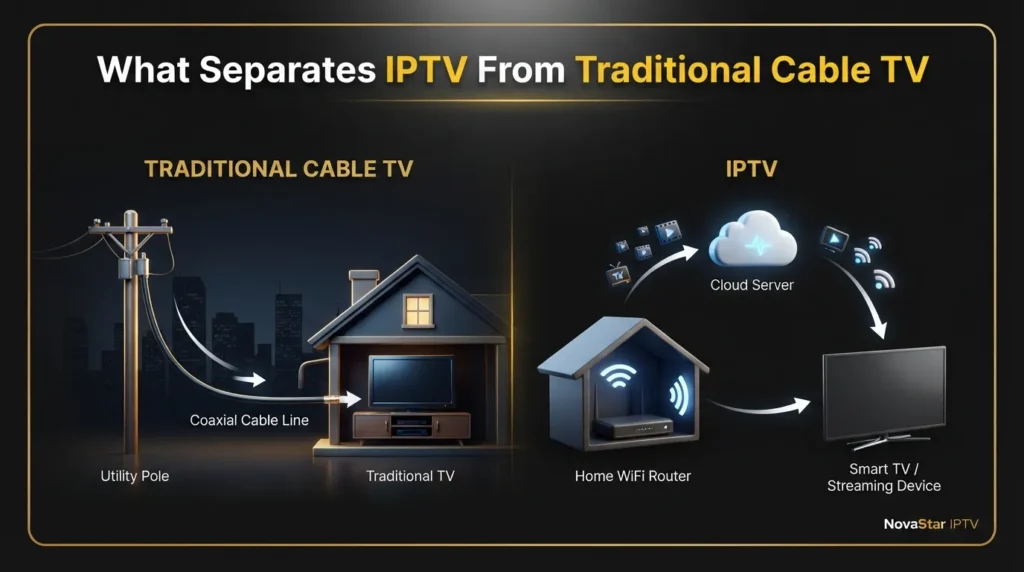
Traditional cable arrives at your home through a dedicated coaxial line owned and maintained by a regional cable company. That line carries a fixed signal directly to a cable box, independent of whatever else is happening on your home network. IPTV works differently. It packages television channels and on demand libraries as data and sends them over the internet, the same way a video call or a downloaded file travels. That single distinction, cable using its own physical infrastructure versus IPTV riding on your existing internet connection, explains almost every difference covered in the sections below.
Cost and Monthly Savings: What You Are Really Paying For
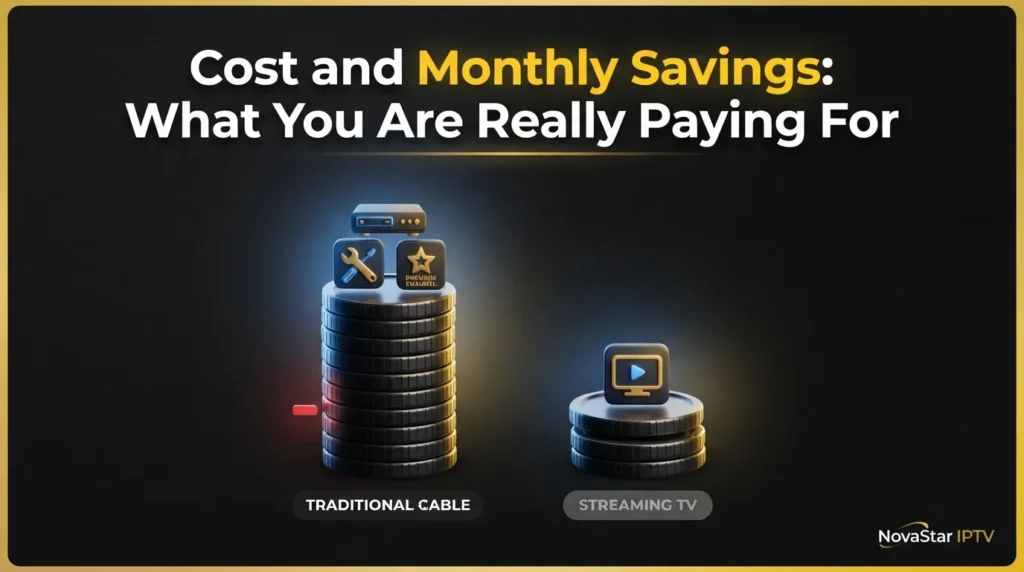
Advertised prices rarely tell the full story. A cable package that lists at fifty dollars a month can quietly grow once equipment rental, a broadcast fee, regional sports surcharges, and taxes are added to the bill. IPTV pricing tends to be more consolidated, but it is not automatically free of extra costs either, since a stable internet plan capable of handling video traffic is a prerequisite rather than an optional add on.
The table below breaks down common cost categories so you can compare your actual current bill rather than an advertised starting price.
| Cost Category | Common With Cable | Common With IPTV |
| Base subscription | Yes, tiered by channel count | Yes, often a single flat rate |
| Equipment or box rental | Yes, frequently several dollars monthly per television | Rarely, most devices you already own |
| Installation or activation fee | Common for a technician visit | Uncommon, mostly self setup |
| Premium channel or sports add ons | Common, billed as separate tiers | Sometimes, depends on provider structure |
| DVR service fee | Common, often per device | Varies, some providers include cloud recording |
| Early termination charge | Common if under contract | Uncommon with month to month plans |
| Required internet service | Indirect, most households already have it | Direct requirement for streaming |
A realistic yearly comparison usually favors IPTV for households that already pay for adequate internet service and do not need extensive cable specific hardware. Households in areas with limited internet options, or those satisfied with a basic cable tier and no premium add ons, may find the gap smaller than expected. The only way to know for certain is to add up your actual current cable bill, including every line item, rather than comparing headline prices.
Channel Selection and Content Variety
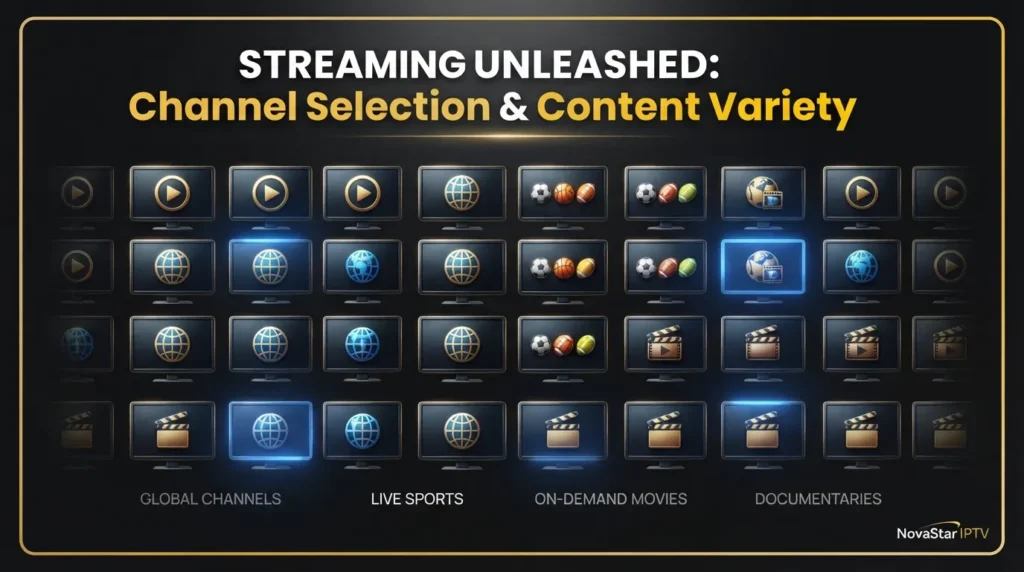
Cable packages are built around bundled tiers, where access to a wider range of channels usually means paying for a higher tier that includes many channels you may never watch. IPTV services are frequently structured around larger channel lists spanning international, regional, and niche programming, since internet delivery removes some of the geographic and licensing constraints that shape traditional cable lineups.
That said, a large channel count is not the same as useful content. A package advertising several thousand channels is not meaningful if the ten channels your household actually watches every week are missing or unstable. When evaluating channel selection, focus on the following:
- Whether your specific local news, sports, and entertainment channels are included, not just the total number listed.
- International or language specific programming, if that matters to your household.
- Premium movie and specialty networks, and whether they are bundled or billed separately.
- On demand libraries alongside live channels, since many households now split their viewing between the two.
- Whether the channel list you are shown is current, since provider lineups change more often than most people expect.
Picture Quality, Streaming Performance and Internet Speed Requirements
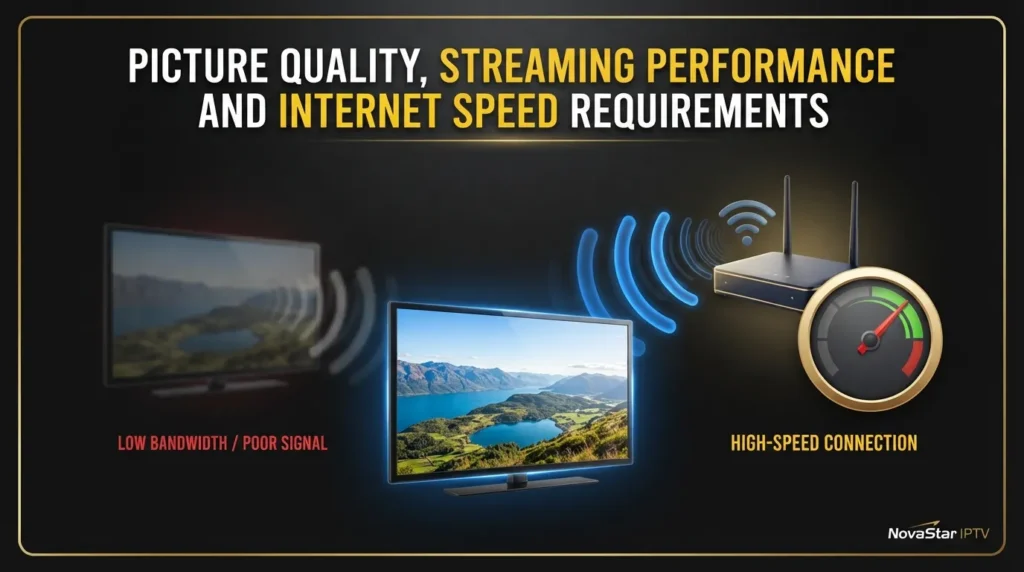
Picture quality on cable is determined by the signal your provider sends and the tier of service you subscribe to. Picture quality on IPTV depends on a different set of variables entirely, including the bitrate the provider streams at, how much bandwidth your household has available, and how well your home network handles simultaneous connections.
The table below offers a general reference for the internet speed typically needed per stream, though exact numbers vary by provider and compression method.
| Viewing Scenario | Approximate Speed Needed |
| Single Standard Definition stream | 3 to 5 megabits per second |
| Single Full HD stream | 10 to 25 megabits per second |
| Single 4K Ultra HD stream | 25 to 50 megabits per second |
| Two simultaneous HD streams | 20 to 50 megabits per second combined |
| Household with three or more devices streaming at once | 75 megabits per second or higher recommended |
This is where buffering complaints usually originate. It is rarely the IPTV provider alone. Congested WiFi, an outdated router placed far from the television, or an internet plan that was sized for browsing rather than video streaming can all produce the same symptom, a frozen picture during the most important play of the game. Before assuming a provider is unreliable, it is worth confirming your own connection can support what you are asking of it. Our internet speed requirement calculator gives you a realistic target based on how many devices in your home stream at once, and our WiFi coverage calculator helps identify whether your signal is actually reaching the room where the television sits.
Device Compatibility and Viewing Flexibility
Cable television is generally tied to provider equipment. Watching in a second room typically means renting an additional box or subscribing to a companion application with its own limitations. IPTV, by contrast, is built around applications, which means it can run on smart televisions, streaming boxes, phones, tablets, and computers, often from a single subscription depending on the provider’s device policy.
IPTV device advantages:
- Works across smart televisions, phones, tablets, and computers without extra hardware in most cases.
- Supports viewing while traveling, provided a stable internet connection is available.
- Often allows multiple household members to watch different content on different screens under one plan.
IPTV device tradeoffs:
- Initial application setup can take more attention than plugging in a cable box.
- Device and simultaneous stream limits vary by provider and should be confirmed before subscribing.
Cable device advantages:
- Equipment is provided and configured by the provider, with minimal setup required from the household.
- Performance does not depend on home network quality.
Cable device tradeoffs:
- Extra televisions typically require additional boxes and rental fees.
- Mobile and travel viewing is limited to whatever companion application the provider offers, if one exists.
If you are trying a new provider or application for the first time, our guide to free IPTV apps and trials covers what to check before committing to a paid subscription.
Setup, Installation and Equipment Requirements
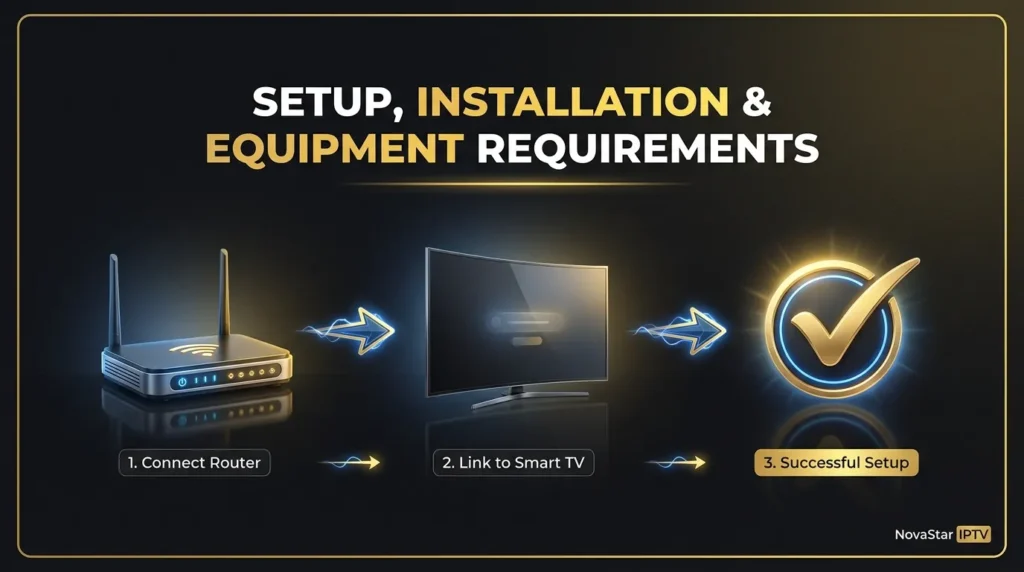
Cable installation typically involves scheduling a technician, waiting for an appointment window, and having a cable box configured on site. IPTV setup removes most of that physical process, but it introduces a different kind of preparation, one centered on your home network rather than a technician visit.
A straightforward IPTV setup generally follows this sequence:
- Confirm your internet plan meets the bandwidth needs for your expected number of simultaneous streams.
- Choose a compatible device, such as a smart television, streaming box, or mobile device.
- Install the application supplied by your provider and sign in with your account credentials.
- Position your router for the strongest possible signal to your primary viewing device, since a router tucked in a closet or behind furniture can quietly undermine stream quality.
- Test playback on a live channel and an on demand title before making it your primary television source.
Router placement is a step many households skip, and it is often the difference between a smooth experience and constant rebuffering. Our router placement optimizer walks through practical adjustments based on your home layout and wall materials, and our streaming setup wizard can guide you through the full configuration process step by step if you are setting up IPTV for the first time.
Contracts, Cancellation Fees and Flexibility
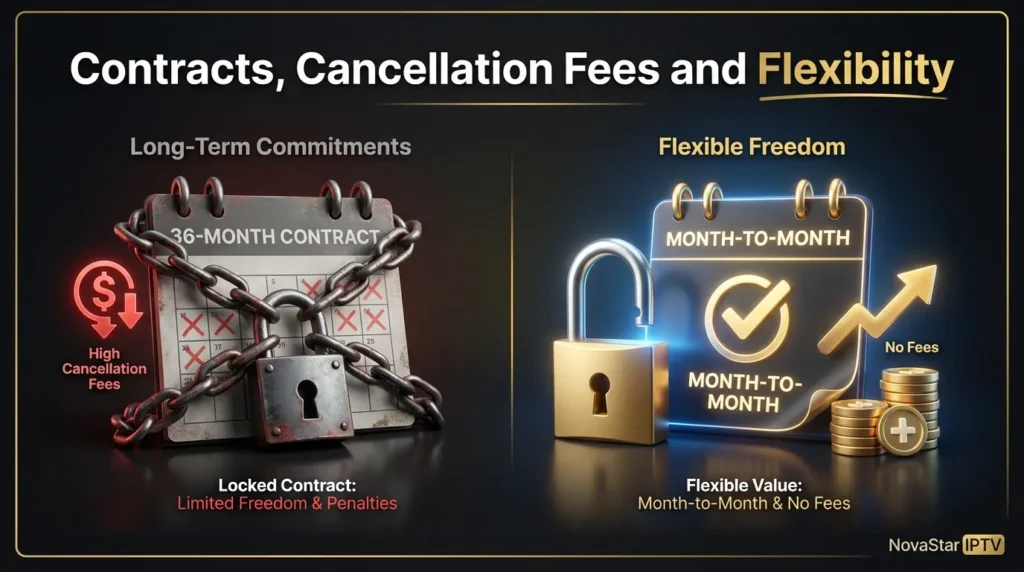
Traditional cable frequently ties lower promotional pricing to a contract term, often twelve to twenty four months, with an early termination fee if you cancel before that period ends. Once the promotional window expires, pricing commonly increases, sometimes substantially, unless you actively call to renegotiate.
IPTV services tend to favor shorter commitment periods, including monthly billing, which gives households more room to change providers or cancel without a financial penalty. This flexibility matters most for the following types of households:
- Renters or anyone who moves frequently and does not want a service tied to one address.
- People who want to test a provider before making a long term decision.
- Households that value the option to cancel without a financial penalty if service quality drops.
It is still worth reading the specific terms of any IPTV provider before subscribing, since policies on refunds, renewal, and cancellation can vary from one service to another.
DVR, Catch Up and On Demand Features
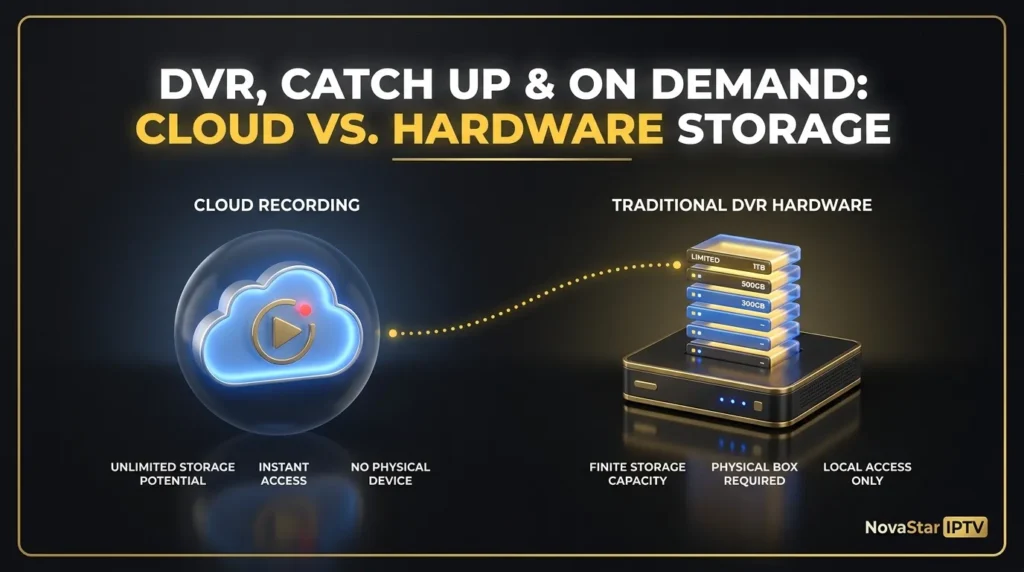
Cable DVR service usually depends on a dedicated box with a fixed storage limit, and recording capacity is often billed as a separate monthly fee. IPTV recording and catch up features work differently depending on the platform, sometimes offering cloud based storage instead of physical hardware, though the specific capability depends entirely on what the provider supports.
Two details are worth checking before assuming a service covers your recording needs:
- Confirm whether recorded content can be accessed across multiple devices or only on the one that recorded it.
- Check the replay or catch up window, since some services only keep recently aired programming available for a limited number of days.
For existing IPTV subscribers dealing with a guide that will not populate correctly, tools that clean up program data can resolve a surprising number of playback complaints. Our IPTV EPG validator checks whether your program guide data is structured correctly, and our IPTV playlist cleaner and M3U playlist repair tool address the underlying playlist files that often cause channels to appear missing or duplicated.
Local Channels, Regional Sports and News Coverage
This is one area where cable still holds a natural advantage in many markets. Local broadcast networks have long standing carriage agreements with cable providers, which generally guarantees consistent access to local news, weather, and network affiliates. IPTV access to local and regional content depends heavily on the specific provider and the licensing arrangements they have in place, which means availability can vary significantly from one service to the next.
Before switching away from cable, verify the following:
- That your household’s essential local channels are actually included in the IPTV package you are considering.
- That any regional sports network you follow closely is present and not restricted by location.
- The exact channel lineup, rather than relying on an advertised total channel count.
- Whether a trial period is available so you can confirm the specific stations you rely on before canceling your existing cable subscription.
Legality, Security and Reliability
IPTV as a technology is a legitimate and increasingly common method of delivering television. The legality of a specific service depends entirely on whether that provider holds proper rights and licensing for the content it distributes. This distinction matters, because a technology being legitimate does not automatically make every provider using that technology a trustworthy or lawful option.
A few practical warning signs are worth watching for when evaluating any provider:
- Pricing that seems far below what licensed content distribution would reasonably cost.
- Vague or missing information about the company behind the service.
- An unwillingness to answer direct questions about content sourcing or licensing.
A reputable provider should be transparent about who they are and how their service operates.
On the reliability side, outages can come from several sources, including your own internet connection, WiFi congestion in a crowded neighborhood, or the provider’s own server capacity during high demand events such as major sporting broadcasts. If channels are freezing or a specific stream keeps failing, the fastest way to isolate the cause is to check whether the problem is happening on your end or the provider’s end. Our ISP throttling detector can reveal whether your internet provider is quietly limiting streaming traffic, and our home network health check reviews your router, WiFi signal, and connected devices for issues that commonly cause buffering. For persistent or unusual playback problems, our AI IPTV troubleshooter can walk through diagnosis in more detail.
Customer Support and Ongoing Technical Assistance
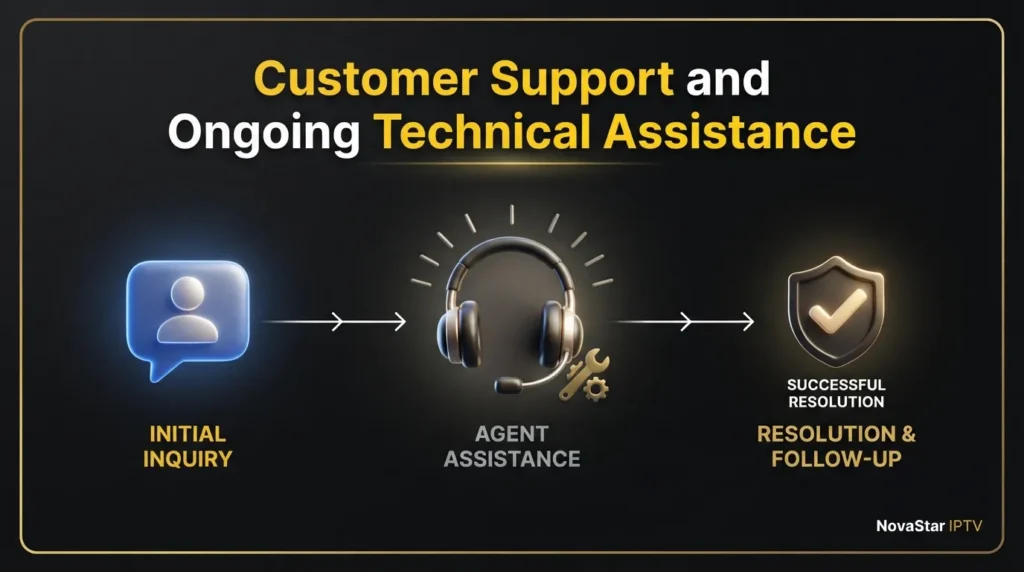
Support experience is an area households often overlook until something breaks. Traditional cable providers generally offer phone support, in home technician visits, and a long history of standardized troubleshooting for their own equipment. That familiarity can be reassuring, though wait times and scheduling for a technician visit can still be slow depending on your region.
IPTV support structures vary significantly by provider. Some offer live chat or ticket based support with fast response times, while others rely mainly on documentation and community forums. Because IPTV problems often trace back to your own network rather than the provider, self service diagnostic tools can resolve issues faster than waiting on a support queue. Before subscribing to any IPTV provider, it is worth checking:
- What support channels are available, such as live chat, email, or phone.
- Typical response times during peak viewing hours, particularly evenings and weekends.
- Whether the provider offers guidance for initial setup or expects users to configure everything independently.
If a problem does come up after you switch, running your connection through our home network health check or our AI IPTV troubleshooter before contacting provider support can often identify the cause in minutes rather than waiting on hold.
Bundling, Equipment and Other Practical Considerations
A few additional factors are worth mentioning that do not fit neatly into the categories above but still influence the overall decision.
- Bundling with internet or phone service. Cable providers frequently offer discounted triple play packages that combine television, internet, and home phone service. IPTV does not typically bundle with internet service, since it relies on whatever provider you already use for broadband, so any bundling discount would need to come from your internet provider separately.
- Equipment footprint. Cable setups often involve a box per television, along with associated power consumption and cabling. IPTV generally reduces physical equipment since it runs through devices many households already own, such as a smart television or streaming stick.
- Trial periods. Cable providers rarely offer no obligation trials before requiring a contract signature. Many IPTV providers offer short trial periods, which gives you a practical way to test channel availability and stream stability before paying for a full subscription.
- Parental controls. Both technologies generally support some form of content restriction, though the depth of parental control settings varies by provider and application rather than by technology type.
User Experience: Guides, Ease of Use, Families and Seniors
Day to day usability often comes down to the electronic program guide and how easily someone can find what they want to watch. Cable guides tend to be standardized across a provider’s equipment, which many long time cable subscribers find familiar and predictable. IPTV guide quality depends on the application and the data feeding it, so experiences can range from clean and fast to cluttered and slow, depending entirely on the provider.
For households with multiple viewers, simultaneous stream limits and device restrictions matter more than raw channel counts. Families juggling different shows on different screens should confirm how many devices can stream at once under a given plan. For older viewers who value simplicity, a straightforward remote and a stable interface often matter more than an expansive channel list, which is worth keeping in mind when choosing between a familiar cable box and a new streaming application.
Cord Cutting and the Future of Television

Viewing habits continue shifting toward internet delivered content, and that trend shows no sign of reversing. IPTV sits at the center of that shift because it treats television the same way it treats any other internet service, flexible, application based, and less tied to a single piece of hardware in your living room. Cable still holds ground in specific areas, particularly guaranteed local broadcast access and infrastructure that does not depend on your home internet staying online, but the overall direction of the market continues to favor internet based delivery.
For most households considering a change, the decision comes down to three practical questions:
- Does your internet connection reliably support streaming without interruption.
- Does the IPTV service you are considering actually carry the local, sports, and specialty channels you use every week.
- Does the pricing, once every fee is included, genuinely beat what you already pay for cable.
Finding the Right Fit for Your Household
There is no single answer that applies to every home. A household with strong internet service, minimal attachment to cable specific hardware, and a preference for flexible contracts will generally find IPTV a strong fit. A household in an area with limited broadband options, or one that depends heavily on guaranteed local channel access, may find that traditional cable still makes practical sense, at least for now.
Before making a final decision, a short checklist can help organize your thinking:
- Add up your full current cable bill, including every equipment and add on fee, not just the base subscription price.
- Confirm your internet plan can support your expected number of simultaneous streams.
- Verify that your essential local and sports channels are included in any IPTV package you are considering.
- Check the provider’s contract terms, cancellation policy, and support channels before subscribing.
If you are ready to explore verified IPTV providers without committing to anything upfront, NovaStar IPTV offers a free matching service that connects you with a vetted provider suited to your location and needs, with no contracts and no pressure to subscribe. You can start that process from novastar iptv homepage in a few minutes.
For more foundational reading, our blog covers additional comparisons and setup guides to help you make a confident, informed decision.
FAQs About IPTV vs Traditional Cable TV

Is IPTV actually cheaper than cable television?
It often is, once equipment rental, installation, and premium add on fees are factored into a cable bill, but the real savings depend on your existing cable package and the internet plan you already pay for. Add up every line item on your current bill before assuming a savings figure.
Do I need especially fast internet for IPTV?
You need internet that comfortably supports video streaming for the number of devices your household uses at once. A single Full HD stream generally needs less bandwidth than most households already have, while multiple simultaneous 4K streams require considerably more.
Will I lose my local channels if I switch to IPTV?
Not necessarily, but availability depends entirely on the specific provider and your location. Confirm your essential local stations are included before canceling your existing cable subscription.
Is IPTV legal?
IPTV as a delivery technology is legitimate. The legality of any individual service depends on whether that provider holds proper licensing for the content it distributes, so provider selection matters more than the technology itself.
What happens to IPTV if my internet goes down?
Live streaming and on demand playback stop working, since IPTV depends on an active internet connection. This is one area where traditional cable, which does not rely on your home internet, can offer more consistent uptime during a local internet outage.
Can I bundle IPTV with my internet service the way I can with cable?
Generally not in the same way. Cable providers often discount television when bundled with internet and phone service under one account. IPTV runs on top of whatever internet service you already have, so any bundling savings would need to come from your broadband provider separately.


2 Responses