Free IPTV” means very different things depending on who says it. Some free apps give you hundreds of legal live channels. Others are just video players that show nothing until you add a playlist. And some “free” offers are risky streams with no rights to the content at all.
This guide sorts the best free IPTV apps into clear groups, explains what each type can and can’t do, and shows when a free trial of a paid plan makes more sense.
What “Free IPTV” Actually Means
Before you download anything, it helps to know which of these three things you’re looking at.
1. Free, ad-supported live TV apps
These apps stream licensed channels for free and make money from ads. You don’t need a playlist, a login, or any setup. They’re legal, safe, and a great place to start.
2. IPTV player apps
These are media players. They organize and play streams, but they include no channels. You need a playlist or login from a service you already use. The app itself is legal; what matters is where the content comes from.
3. Free trials of paid plans
A trial gives you temporary access to a paid service so you can test it before you buy. This is the best way to judge a paid plan on your own TV.
The Best Free Live TV Apps (Legal and Ad-Supported)
These services are free to use, need no playlist, and carry channels with permission from content owners. Channel lineups change, so check each app for current listings.
- Pluto TV: a large lineup of themed live channels plus on-demand movies and shows. Works on most smart TVs, streaming sticks, phones, and browsers.
- Tubi: best known for its free on-demand library, with a growing set of live channels too.
- Plex: free live channels and on-demand titles, alongside its personal media server features.
- The Roku Channel: free live and on-demand content, available on Roku devices and other platforms.
- Samsung TV Plus: built into Samsung smart TVs and phones, so there’s nothing to install.
- LG Channels: the built-in free channel service on LG smart TVs.
- Xumo Play: free live channels and movies on many TVs and streaming devices.
Best for: news, classic shows, movies, and casual viewing. Not ideal for: premium sports, specific cable networks, or ad-free viewing.
Popular IPTV Player Apps (You Supply the Content)
If you already have a playlist or login from a paid plan, a player app decides how good the experience feels. Popular options include:
- TiviMate: a polished TV-style interface for Android TV and Fire TV devices. Some features require a paid upgrade.
- IPTV Smarters: works with M3U playlists and Xtream Codes logins on several platforms.
- Kodi: a free, open-source media center. Very flexible, but add-ons from unknown sources can be unsafe and often break.
App store availability varies by device and can change, so download players only from official app stores. Need help with playlists? Our free M3U playlist repair tool, playlist cleaner, and EPG validator can fix common problems.
Free IPTV Apps at a Glance
| App type | Examples | Cost | Setup | Best for |
|---|---|---|---|---|
| Free ad-supported live TV | Pluto TV, Tubi, Plex, The Roku Channel | Free with ads | None | Casual viewing, news, movies |
| Built-in TV channels | Samsung TV Plus, LG Channels | Free with ads | None | Smart TV owners |
| IPTV player apps | TiviMate, IPTV Smarters, Kodi | Free or paid upgrade | Needs a playlist or login | People who already have a plan |
| Free trial of a paid plan | NovaStar IPTV free 24-hour trial | Free | We help you set up | Testing a paid plan before buying |
Is Free IPTV Legal?
Free, ad-supported apps from official app stores are legal. Player apps are legal too. The risk comes from free playlists and “everything free” streams that don’t have the rights to the channels they carry. These can also expose you to malware, as the FTC has warned. For a full explanation, read our guide: Is IPTV legal in the USA?
When a Free Trial Beats a Free App
Free apps are great for casual viewing, but they may not carry the channels or features your household wants. If you’re thinking about a paid plan, a free trial lets you test it on your real devices first.
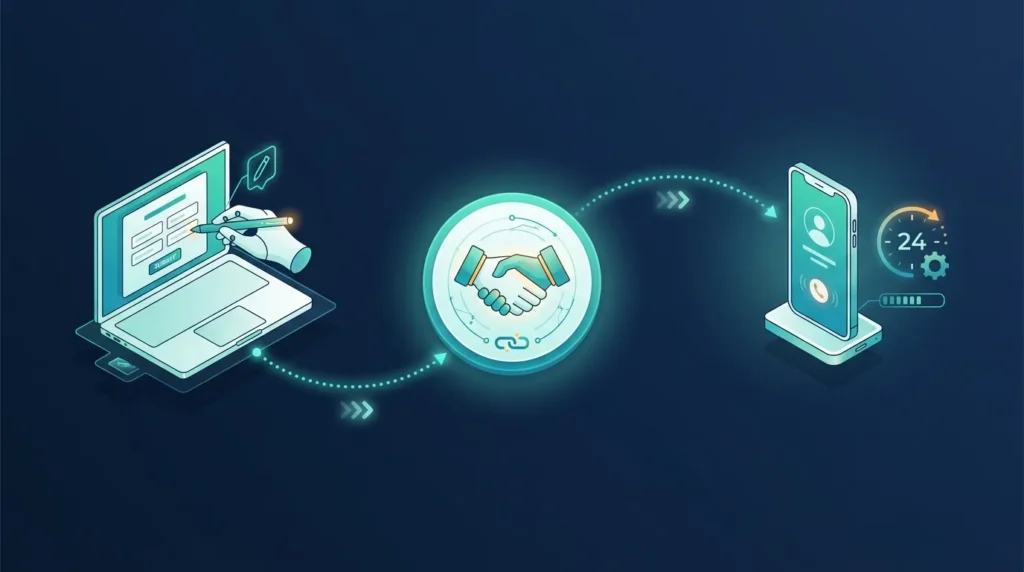
NovaStar IPTV arranges free 24-hour trials from our verified provider, subject to availability. No payment or card is needed, and the trial doesn’t turn into a paid plan unless you choose one. Learn what to expect from an IPTV provider with free trial access.
How to test a trial properly
- Check your connection with our internet speed requirement calculator.
- Start the trial so it covers a busy evening.
- Test on the device you’ll really use.
- Watch the channels your household cares about most.
- Tell us about any problem during the trial so we can help fix it.
Free vs. Paid IPTV: Which Fits You?
| Factor | Free ad-supported apps | Paid plan (after a free trial) |
|---|---|---|
| Cost | $0 | NovaStar IPTV plans from $12.99 per device for 1 month |
| Ads | Yes | Depends on the plan |
| Setup | None | We help you set up |
| Support | App help pages | 24/7 contact on WhatsApp or email |
| Choice of content | Set by the free app | Depends on the plan you choose |
If you continue after a trial, you pay only the listed price: $12.99 (1 month), $34.99 (3 months), $59.99 (6 months), or $89.99 (12 months) for one device, with no fee, commission, or markup. Plans don’t renew automatically. See NovaStar IPTV plans or family plans for several screens.
Frequently Asked Questions
What are the best free IPTV apps in 2026?
For legal free live TV, Pluto TV, Tubi, Plex, The Roku Channel, Samsung TV Plus, LG Channels, and Xumo Play are popular choices. For players, TiviMate, IPTV Smarters, and Kodi are widely used, but they need a playlist or login.
Do free IPTV apps include channels?
Ad-supported apps like Pluto TV do. Player apps like TiviMate do not; they only play content from a service you already have.
Are free IPTV apps safe?
Apps from official app stores are generally safe. Avoid unknown add-ons and free playlists with no clear source.
Can I get a free IPTV trial without a credit card?
Yes. NovaStar IPTV arranges free 24-hour trials with no payment or card, subject to availability.
What’s the difference between an IPTV app and an IPTV plan?
The app is the player. The plan supplies the channels and access details.
Ready to Test a Paid Plan for Free?
Request your free 24-hour trial on WhatsApp or contact NovaStar IPTV. New to the process? See how to get NovaStar IPTV, or browse all our free IPTV tools.

2 Responses