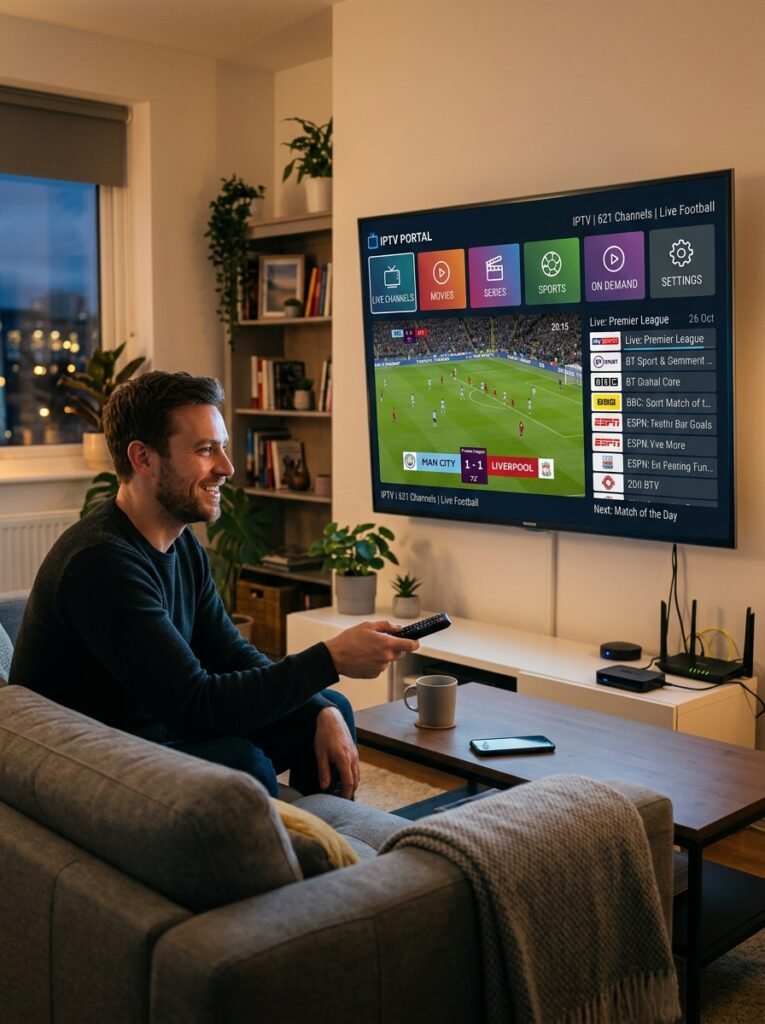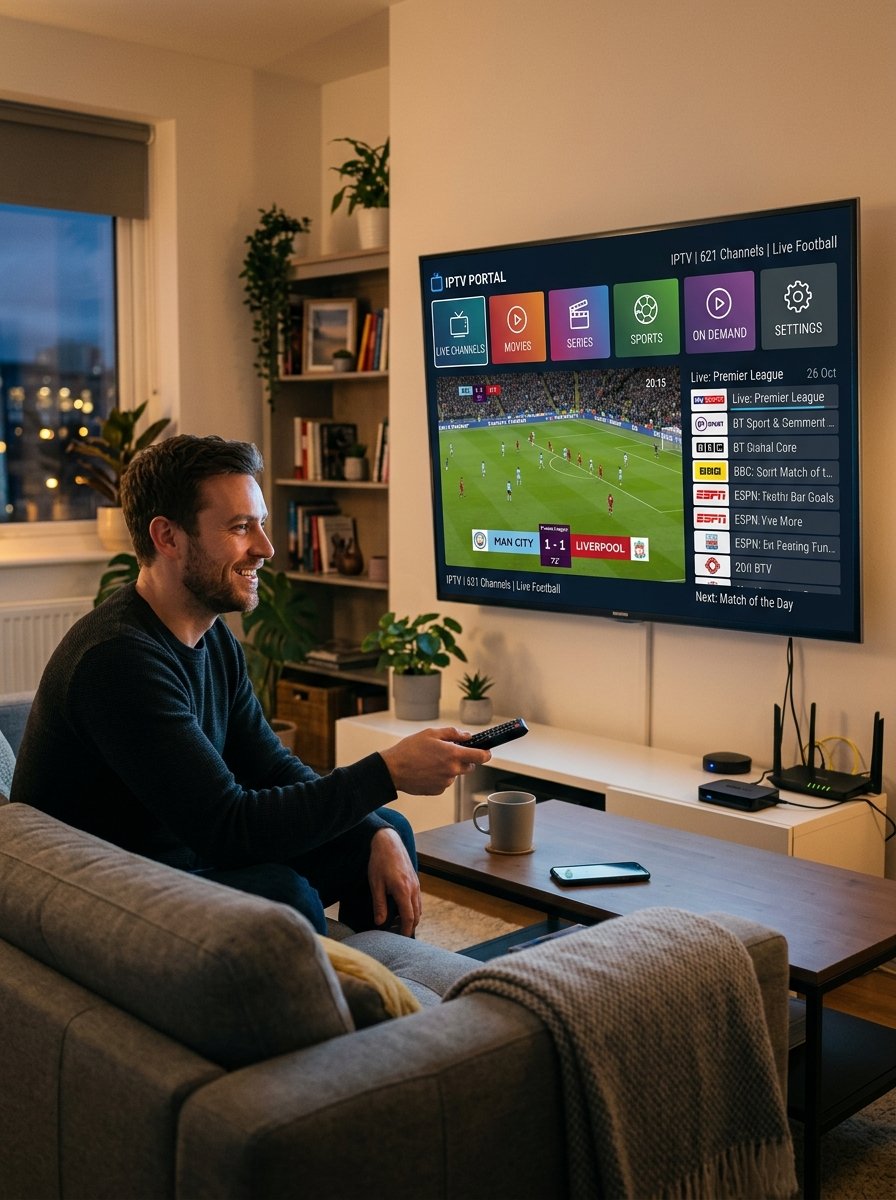
For a family, “reliable” means more than a good picture on one TV. It means the kids’ cartoons, the evening news, and the big game all play at the same time, in different rooms, without constant buffering or calls for help.
Reliability depends on two things: the service itself and your home setup. This guide covers both, with seven checks to help you find the most reliable IPTV provider for your household and a free way to test before you pay.
Why Family Streaming Is Different
A single viewer can live with the occasional hiccup. A family can’t. Families usually have:
- Several screens at once, often during the same evening hours
- Different devices, from smart TVs to tablets and phones
- Different viewers, including kids and less technical adults
- Weak rooms, like a bedroom or basement far from the router
A service that works fine for one person can struggle when four people watch at once.
7 Checks for the Most Reliable IPTV Provider for Your Family
1. Enough screens at the same time
Count how many devices will watch at the same time, not just how many you own. Confirm the plan covers that number and what each extra screen costs. Our family and multi-screen plans page includes a room-by-room planner.
2. Stable at peak family hours
Test during after-school hours and weekday evenings, when everyone watches. That’s when weak services show their limits.
3. Your home internet can handle it
Every screen streaming at once uses more bandwidth. Use our internet speed requirement calculator to see what your household needs, and our ISP throttling detector to check whether your internet provider slows streaming. The FCC’s broadband speed guide is a useful reference too.
4. Strong Wi-Fi in every room
Many “the service is buffering” problems are really weak Wi-Fi. Check far rooms with our Wi-Fi coverage calculator and improve placement with our router placement optimizer. A wired connection or a mesh system can help the TV that matters most.
5. Works on every family device
List every device: living room smart TV, kids’ tablet, bedroom Fire TV Stick, phones. Confirm each one is supported before you pay.
6. Family-friendly controls
Ask whether parental controls or content filters are available in the app your family will use. Many IPTV player apps let you lock categories with a PIN, but features vary by app and plan.
7. Easy setup and real support
Choose a service that helps you set up each device and answers quickly when something stops working. Our streaming setup wizard helps, and our AI IPTV troubleshooter can diagnose common issues.
Family Reliability Checklist
| Check | Question to ask | Good sign |
|---|---|---|
| Screens | How many can watch at once? | Clear number and price per screen |
| Peak hours | Is it stable on weekday evenings? | Tested during a real family evening |
| Internet | Is our speed enough for all screens? | Calculator result fits your plan |
| Wi-Fi | Does every room get a strong signal? | No weak rooms, or a fix in place |
| Devices | Is every device supported? | Each one confirmed before payment |
| Controls | Can we filter content for kids? | Available in the app you’ll use |
| Support | Who helps when it stops? | Fast replies, setup help included |
Quick Fixes for Common Family Streaming Problems
- One TV buffers, others don’t: move the router, add a mesh point, or use a wired connection for that TV.
- Everything slows in the evening: check total bandwidth for all screens and test for ISP throttling.
- A device won’t play: restart the device and router, then update the app.
- Guide data is wrong or missing: check it with our EPG validator.
How NovaStar IPTV Helps Families
NovaStar IPTV helps US households choose, arrange, and set up plans from our verified third-party provider, including plans for several screens.
- Simple multi-screen pricing: one-device price × number of devices. For one device: $12.99 (1 month), $34.99 (3 months), $59.99 (6 months), $89.99 (12 months). Custom plans for 6+ devices are quoted on request.
- We confirm in writing how many screens your plan covers and the total price before you pay.
- Free 24-hour trial, subject to availability, so you can test during a real family evening.
- Setup help for each device, and 24/7 contact on WhatsApp or email.
- Tested on real devices before we offer our provider’s plans.
- No automatic renewal, and a full refund if your plan can’t be activated.
See NovaStar IPTV family plans, all plans and prices, or how to get started.
Test With Your Whole Family
Request a free 24-hour trial on WhatsApp and tell us your devices and how many screens watch at once. You can also contact NovaStar IPTV by email.
Frequently Asked Questions
What makes an IPTV provider reliable for families?
Enough screens at the same time, stable performance at busy evening hours, support for every family device, and fast help when something goes wrong.
How many screens does a family IPTV plan need?
Count the devices that watch at the same time. With NovaStar IPTV, the price is the one-device price multiplied by that number.
Why does IPTV buffer on one TV but not others?
Usually because that room has weak Wi-Fi. Moving the router, adding a mesh point, or using a wired connection often fixes it.
Can I set parental controls on IPTV?
Many IPTV player apps offer PIN locks or category filters, but features vary by app. Ask before you choose a plan.
Can my family test before we pay?
Yes. NovaStar IPTV arranges free 24-hour trials, subject to availability, with no payment needed.